




How to Rank Higher on Google Maps: 12 Google Business Profile Tips

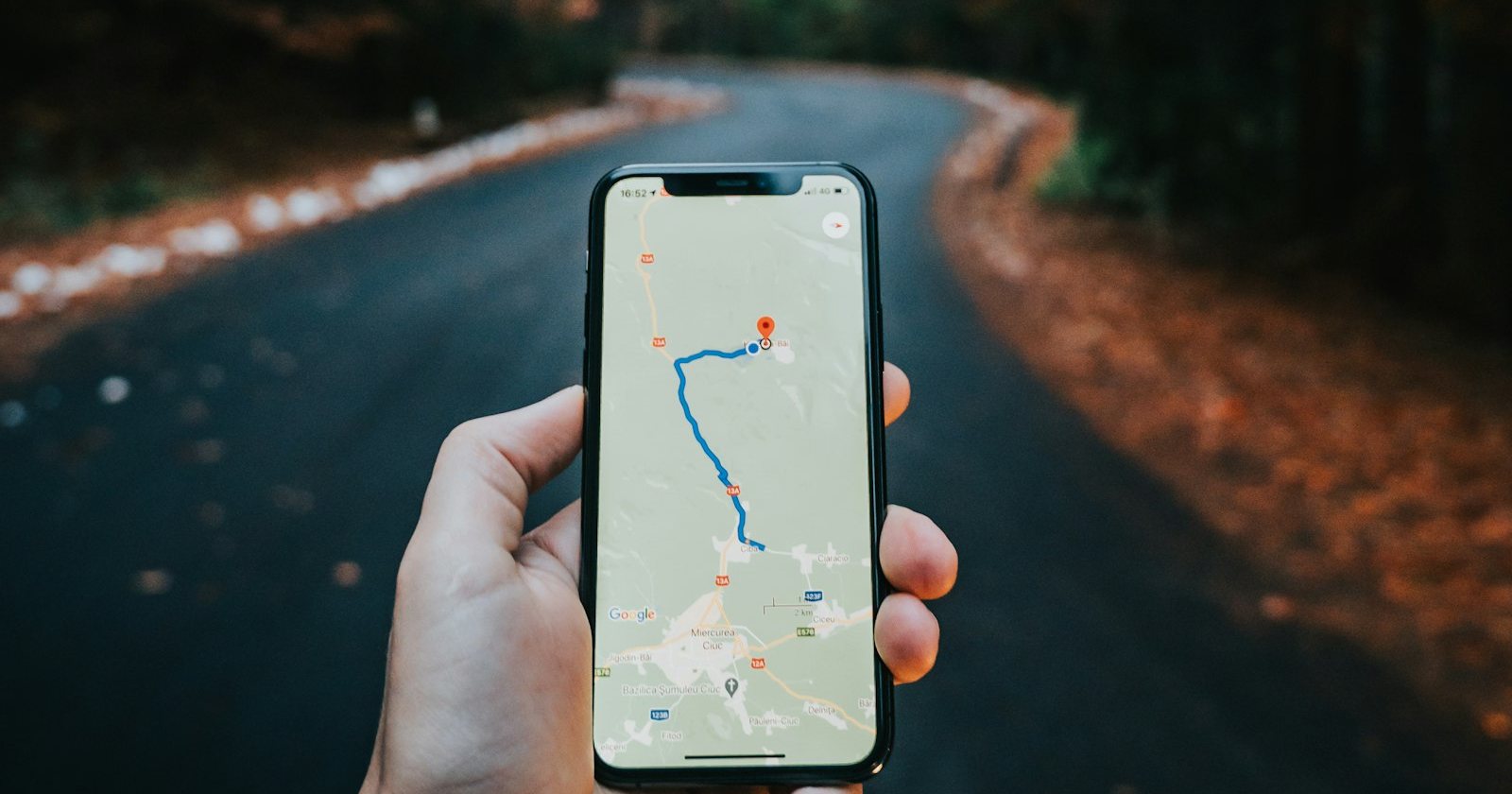
When someone searches for a local service, the first thing they often see is the map with three businesses below it, often called the “local pack”. Being in those three spots can bring more calls than any ad. The good news: most of the work to get there is free and happens inside your Google Business Profile.
How Google decides who shows up on the map
Google explains that local results are based mainly on three things:
- Relevance: how well your profile matches what the person searched.
- Distance: how close your business is to the searcher or the location in the search.
- Prominence: how well known your business is, including reviews, links and mentions across the web.
You can’t change distance, but you can improve relevance and prominence. Here’s how.
12 practical tips for your Google Business Profile
- Choose the right primary category. This is one of the strongest signals. Pick the category that describes your main service, then add secondary categories for the rest.
- Use your real business name. Adding keywords to your name goes against Google’s guidelines and can get your profile suspended.
- Keep name, address and phone consistent on your website, social profiles and directories.
- Write a complete description that explains what you do, who you serve and where, in natural language.
- List all your services with short descriptions. These help Google match you with more searches.
- Set accurate hours, including holidays. Profiles that show as closed lose clicks.
- Add real photos regularly: your team, your work, your vehicles, your location. Avoid stock photos.
- Ask every happy customer for a review. Send the review link right after the job, when satisfaction is highest.
- Reply to every review, positive or negative, politely and quickly.
- Publish updates with offers, news and recent projects. It shows the profile is active.
- Answer questions in the Q&A section before someone else answers them for you.
- Connect your website and make sure the page you link has your city, services and contact information.
Your website still matters
Google looks at your website to understand your business. A page for each main service, with the city or region you serve, clear contact details and fast loading on mobile, supports your map ranking. If you serve several cities, create helpful pages for each one instead of copying the same text with a different city name.
Reviews: quantity, quality and freshness
Reviews influence both ranking and the decision to call. A business with many recent reviews looks active and trusted. Make asking for reviews part of your process: a text message or email after each job, with a direct link. Never buy reviews or offer rewards for positive ones; it breaks Google’s rules and can remove your reviews or your profile.
Track what the profile brings
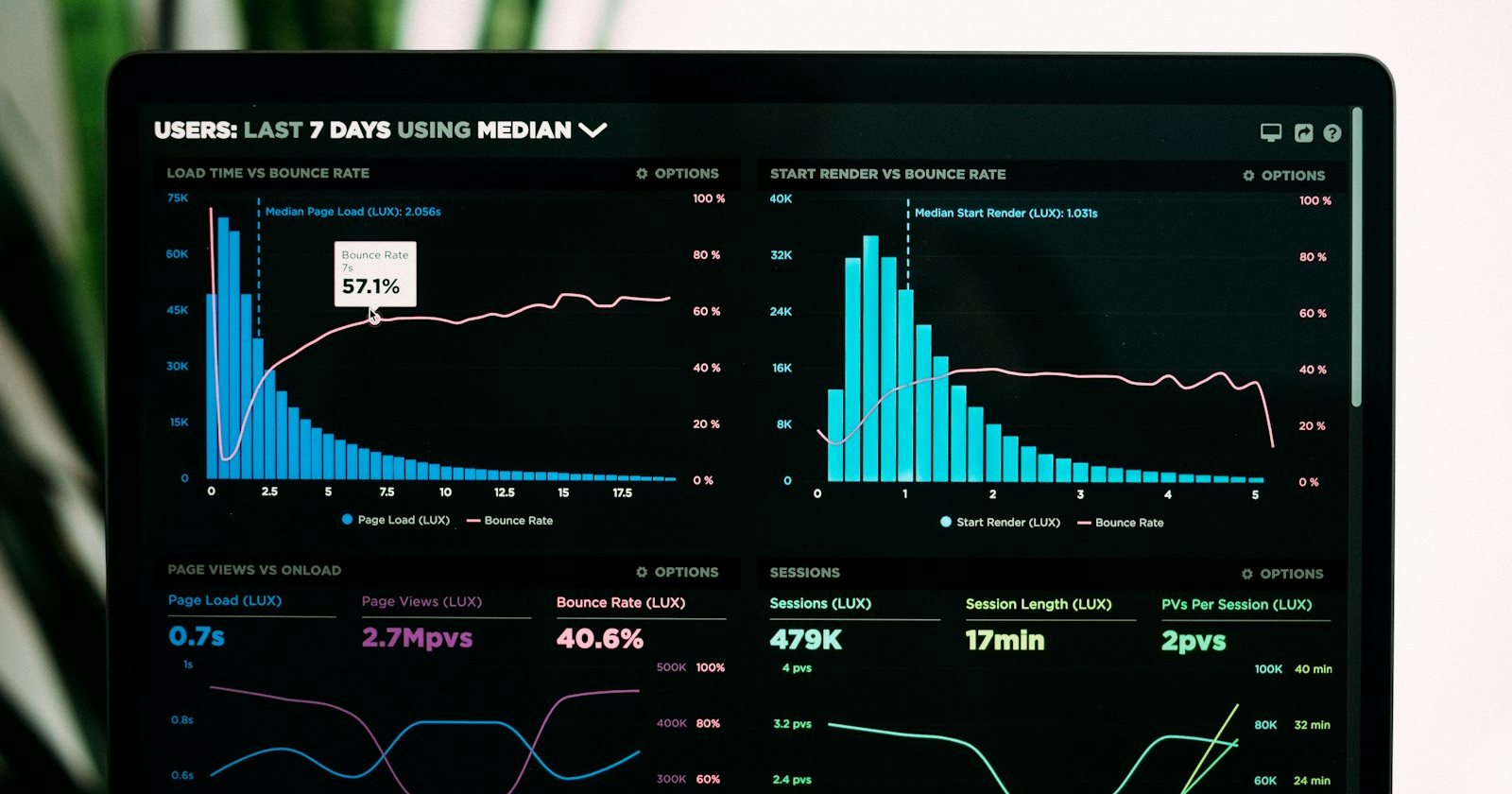
Your profile’s performance section shows how many people searched for you, called, asked for directions and visited your website. Watch these numbers monthly. If calls go up after you add photos or get new reviews, you know what’s working.
How long does it take?
Some changes, like categories and services, can have an effect in a few weeks. Reviews and reputation build over months. The businesses that win the map are usually not the ones that did one big optimization, but the ones that keep the profile active every week.