





Custom Software vs Off-the-Shelf: How to Decide

Sooner or later every growing business hits the same wall: the tools that worked when you were small start to slow you down. Spreadsheets get too big, three apps don’t talk to each other, and your team copies the same data by hand every day. At that point the question appears: should you buy another ready-made tool or build custom software?
What “off-the-shelf” really means
Off-the-shelf software (also called SaaS when it runs online with a subscription) is built for thousands of companies at once: CRMs, accounting tools, scheduling apps. You sign up and start using it the same day.
- Pros: low upfront cost, fast to start, maintained and updated by the vendor, support and documentation.
- Cons: you adapt your process to the tool, you pay per user forever, features you need may never come, and your data lives in someone else’s system.
What custom software really means
Custom software is built around your process. It can be a full system or just the piece that connects your existing tools.
- Pros: fits exactly how you work, automates the steps that are unique to you, no per-user fees from a vendor, and it can become a competitive advantage.
- Cons: higher upfront investment, takes time to build, and it needs ongoing maintenance, hosting and security updates.
Five questions to decide
- Is the process standard or unique? Accounting and email are standard: buy. The way you price jobs, schedule crews or score leads might be unique: consider building.
- How much time does the workaround cost? Multiply the hours your team spends on manual work by their cost. That’s what the current “free” solution really costs per year.
- Do you need your tools to share data? Many businesses don’t need a whole new system, only an integration between the ones they already have.
- Will you grow in users? Per-user pricing that’s cheap with 5 people can become expensive with 50.
- Who will maintain it? Custom software needs someone responsible for updates, backups and fixes. Plan for it from day one.
The middle path: buy the base, build the edges
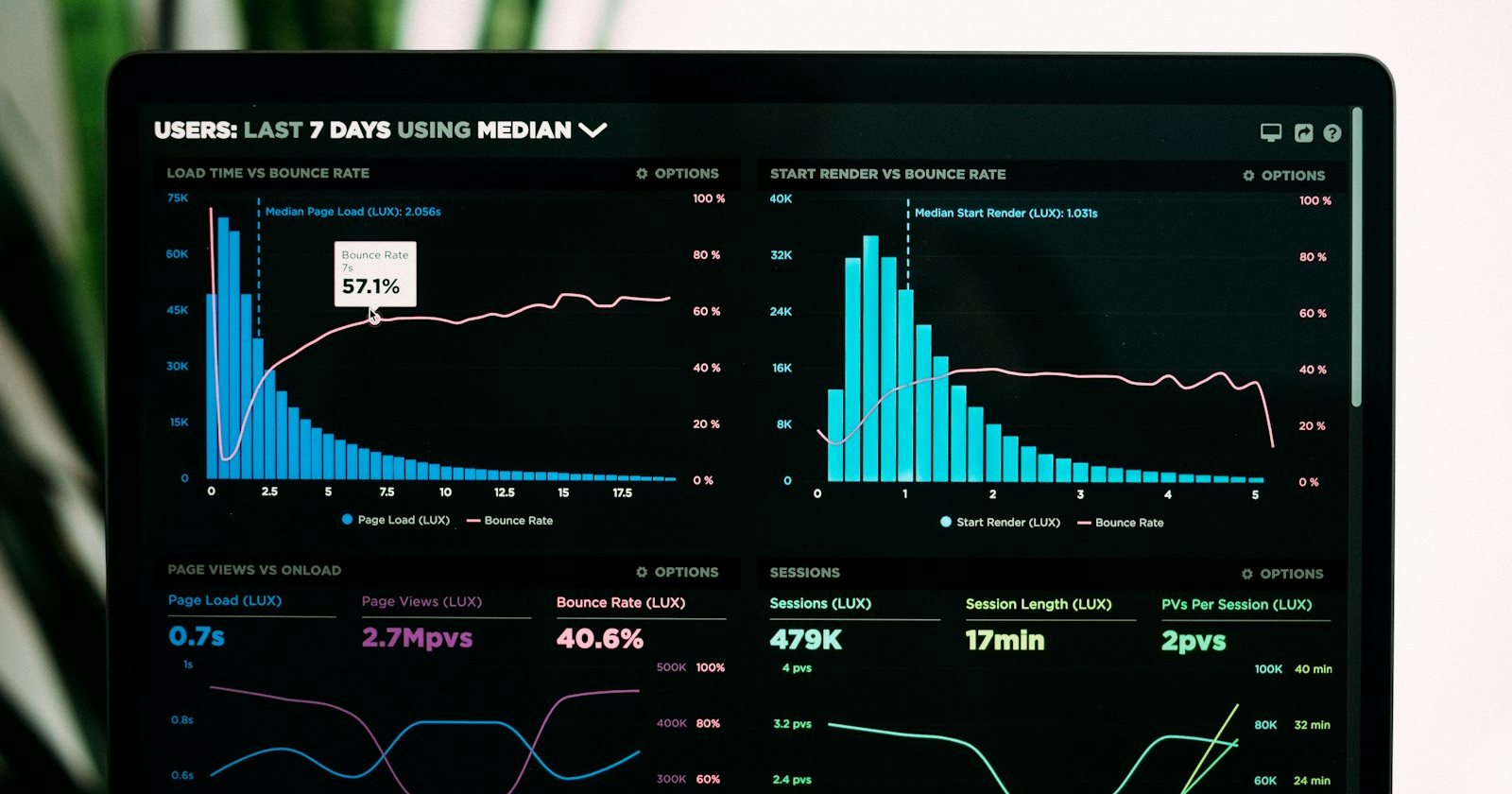
For most small and mid-sized businesses the best answer is a mix. Use a solid off-the-shelf platform for the common parts, and build custom pieces where you are different: an integration, an automation, a client portal or a dashboard that combines data from several tools. You get speed and reliability from the platform, and the fit you need from the custom part.
How to start a custom project without wasting money
- Write down the problem, not the solution. “We lose two hours a day copying orders” is better than “we need an app”.
- Start with the smallest useful version. Build the one feature that saves the most time, use it, then expand.
- Own your data and code. Make sure your contract says who owns what, and that you can export your data.
- Plan hosting, security and backups as part of the project, not as an afterthought.
Custom software is not about having something fancy. It’s about removing the work that keeps your team from doing what actually grows the business.